So you have and old Mac, a vintage one maybe. You want to build some app for that particular Mac, but you don’t know which latest Xcode version good for your Mac. Here’s an example error message when you tried to install latest Xcode version to an unsupported Mac:
Xcode can’t be installed on “Macintosh HD” because macOS version 26.2 or later is required.
No need to worry though, you can still install the last compatbile Xcode version to your Mac. This special page is dedicated one simple question: What is the last Xcode version that can be installed on my Mac?
If you’re looking for Xcode Command Line Tools, not the full Xcode IDE, check out my Xcode CLT install, update, and uninstall guide.
You can download the full Xcode IDE for FREE. All you need is an active Apple Developer account. You can register as an Apple Developer for free, NO need to pay the $99 fee.
What you need to do next is to sign in using your Apple Account and accept the Apple Developer Agreement to register for free. Once you’ve agreed to the terms, you can access Xcode and other important development tools from Apple.
All downloads are hosted by Apple. Links on this site take you directly to Apple’s download pages.
Table of Contents
- Download Xcode Latest Version
- Download Xcode 26 for macOS 26 (Tahoe)
- Download Xcode 26 for macOS 15 (Sequoia)
- Download Xcode 16 for macOS 14 (Sonoma)
- Download Xcode 15 for macOS 13 (Ventura)
- Download Xcode 14 for macOS 12 (Monterey)
- Download Xcode 13 for macOS 11 (Big Sur)
- Download Xcode 12 for macOS 10.15 (Catalina)
- Download Xcode 11 for macOS 10.14 (Mojave)
- Download Xcode 10 for macOS 10.13 (High Sierra)
- Download Xcode 9 for macOS 10.12 (Sierra)
- Download Xcode 8 for Mac OS X 10.11 (El Capitan)
- Download Xcode 7 for Mac OS X 10.10 (Yosemite)
- Download Xcode 6 for Mac OS X 10.9 (Mavericks)
- Download Xcode 5 for Mac OS X 10.8 (Mountain Lion)
- Download Xcode 4 for Mac OS X 10.7 (Lion)
- Download Xcode 4 for Mac OS X 10.6 (Snow Leopard)
- Download Xcode 3 for Mac OS X 10.5 (Leopard)
- Download Xcode 2 for Mac OS X 10.4 (Tiger)
- Download Xcode Tools 1 for Mac OS X 10.3 (Panther)
Download Xcode Latest Version
If you’re using the latest macOS version, you can always download Xcode directly from Mac App Store: https://apps.apple.com/us/app/Xcode/id497799835?mt=12.
All you need is the free Apple App Store Account. Once you signed-in, you can download and update Xcode.
You can also search all available Xcode versions from Apple developer website. This page has everything, but a bit confusing for anyone to decide which one to install.
So if you’re confused which latest Xcode version that’s compatible with your macOS version, you can select one of the links below.
Download Xcode 26 for macOS 26 (Tahoe)
macOS 26 or macOS Tahoe is currently the latest macOS version supported by Apple. You can download the latest Xcode from Mac App Store.
Download Xcode 26 for macOS 15 (Sequoia)
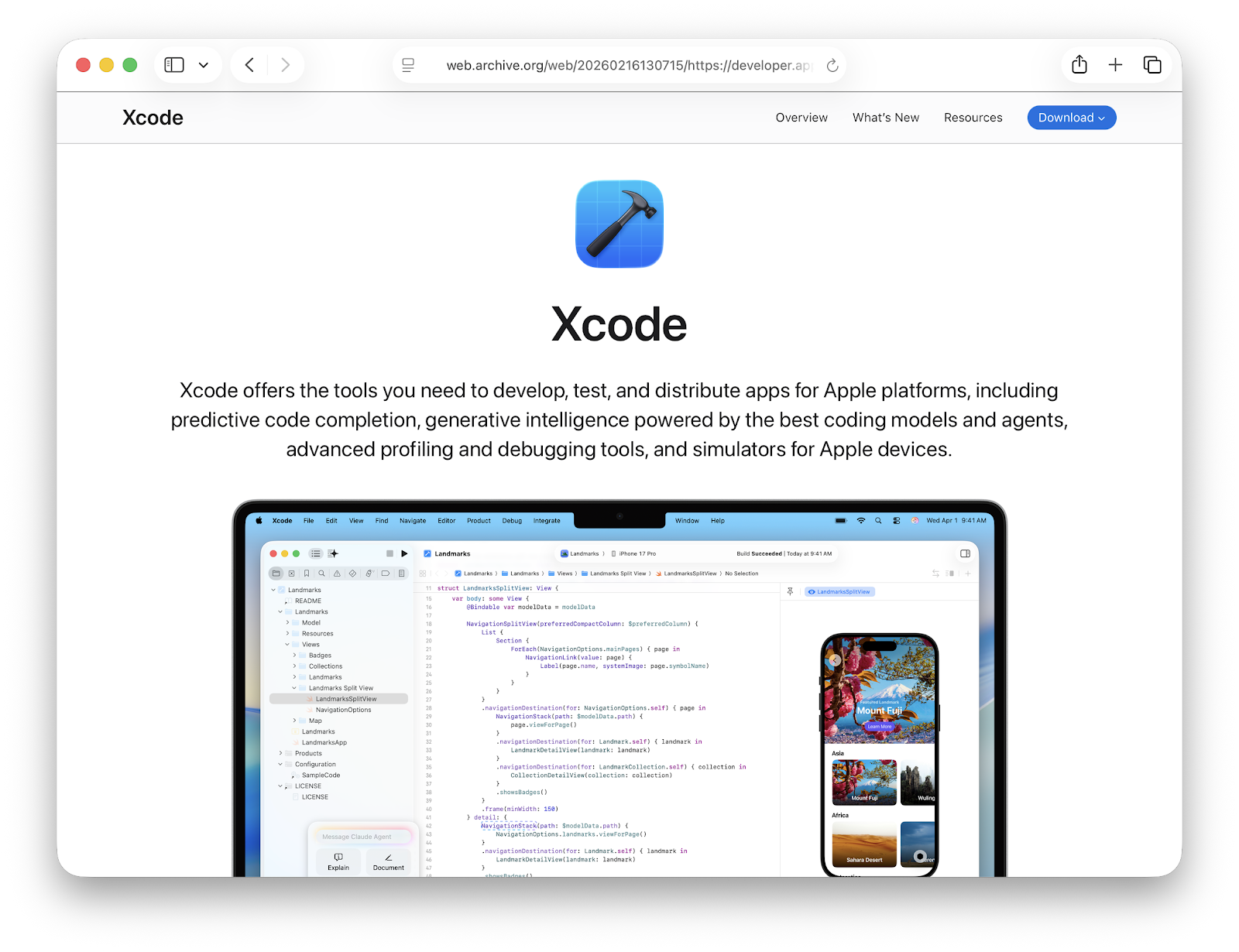
Version: Xcode 26.3
OS Requirement: macOS 15.6 or later
Download link (Apple Silicon):
Download Link (Universal):
Release Date: 26 Feb 2026
SDK List:
- macOS 26.2 (25C58)
- iOS 26.2 (23C57)
- watchOS 26.2 (23S303)
- tvOS 26.2 (23K50)
- visionOS 26.2 (23N301)
Download Xcode 16 for macOS 14 (Sonoma)
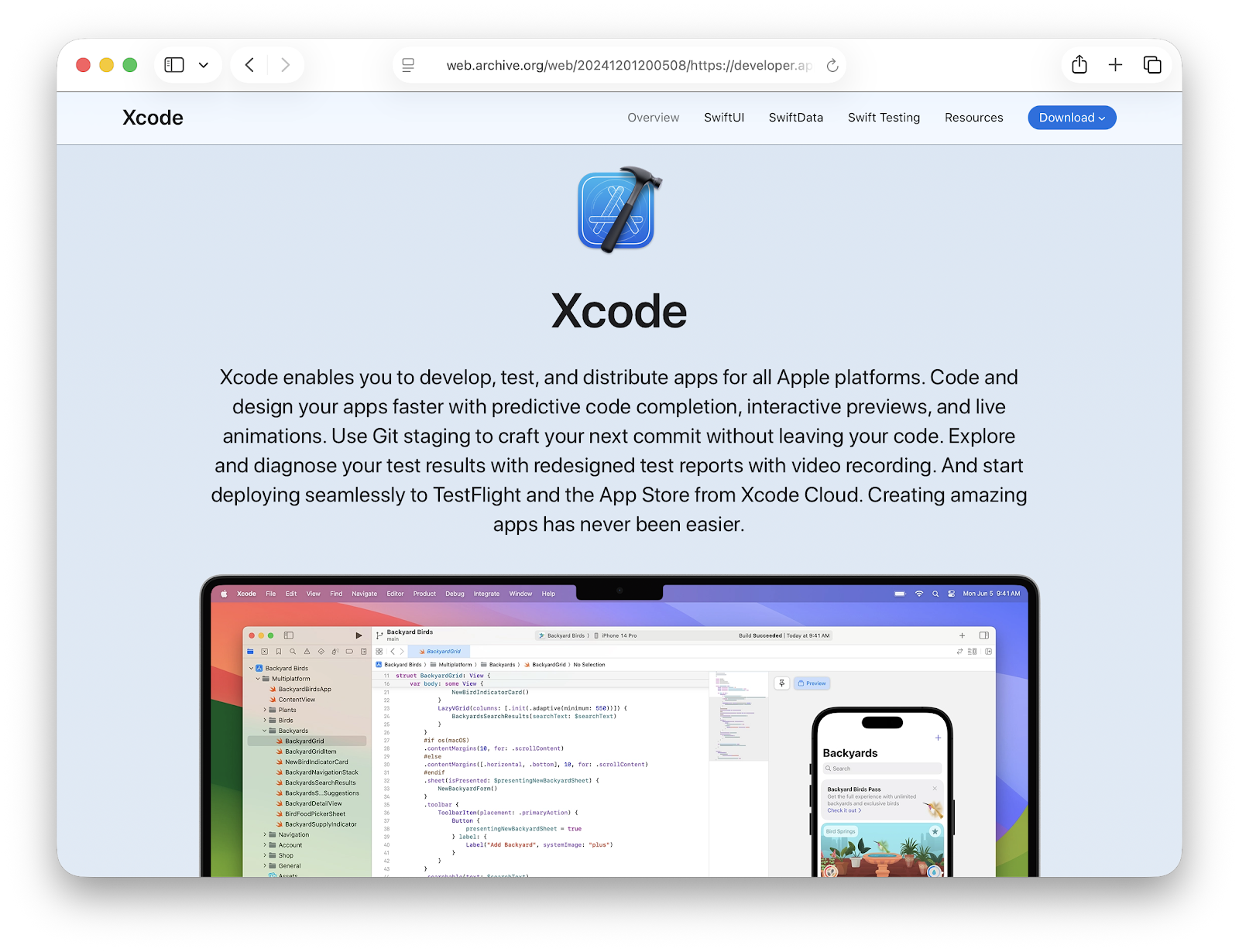
Version: Xcode 16.2
OS Requirement: macOS 14.5 or later
Download link:
Release Date: 11 Dec 2024
SDK List:
- macOS 15.2 (24C94)
- iOS 18.2 (22C146)
- watchOS 11.2 (22S97)
- tvOS 18.2 (22K152)
- visionOS 2.2 (22N799)
Download Xcode 15 for macOS 13 (Ventura)
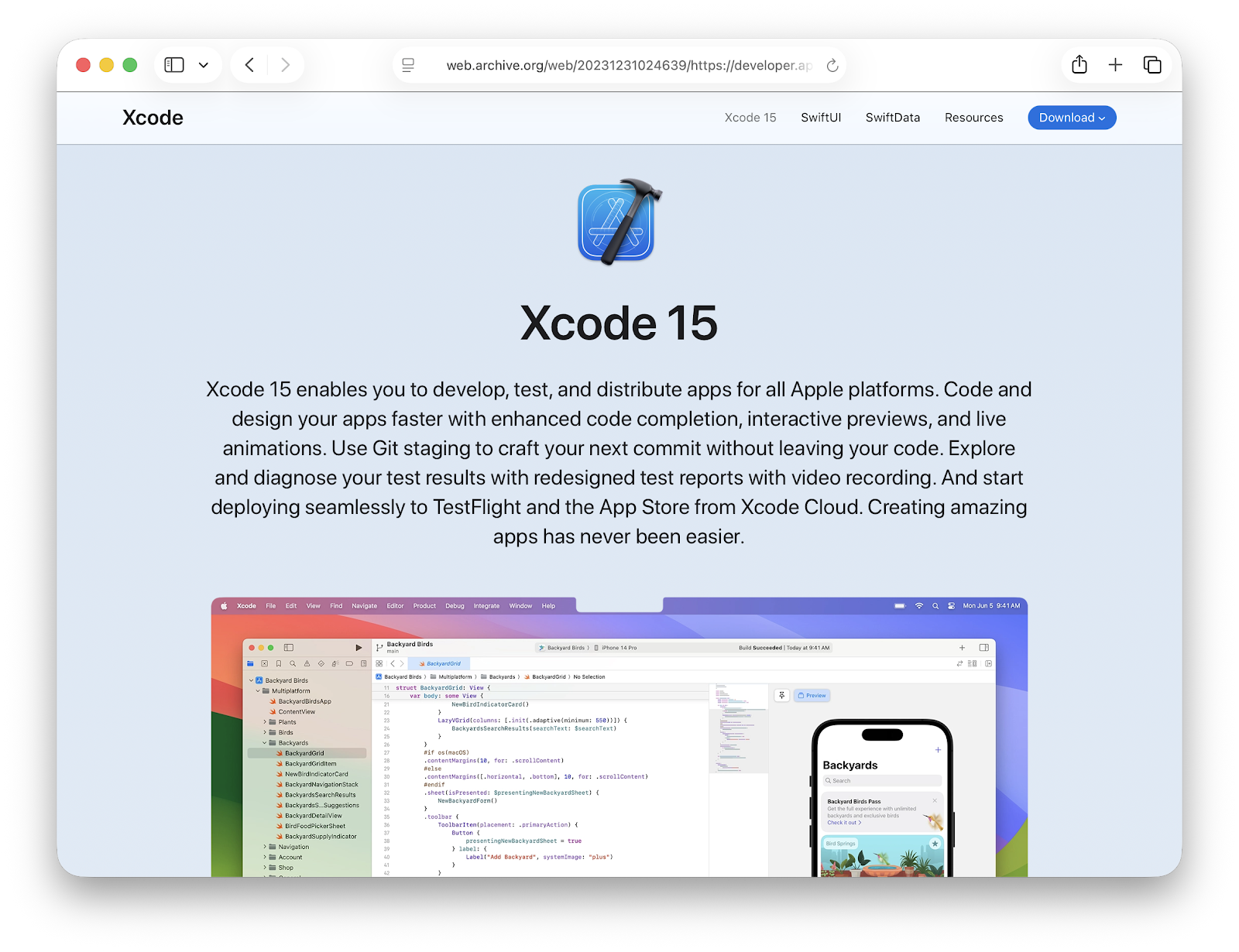
Version: Xcode 15.2
OS Requirement: macOS 13.5 or later
Download link:
Release Date: 8 Jan 2024
SDK List:
- macOS 14.2 (23C53)
- iOS 17.2 (21C52)
- watchOS 10.2 (21S355)
- tvOS 17.2 (21K354)
- visionOS 1.0 (21N301)
Download Xcode 14 for macOS 12 (Monterey)
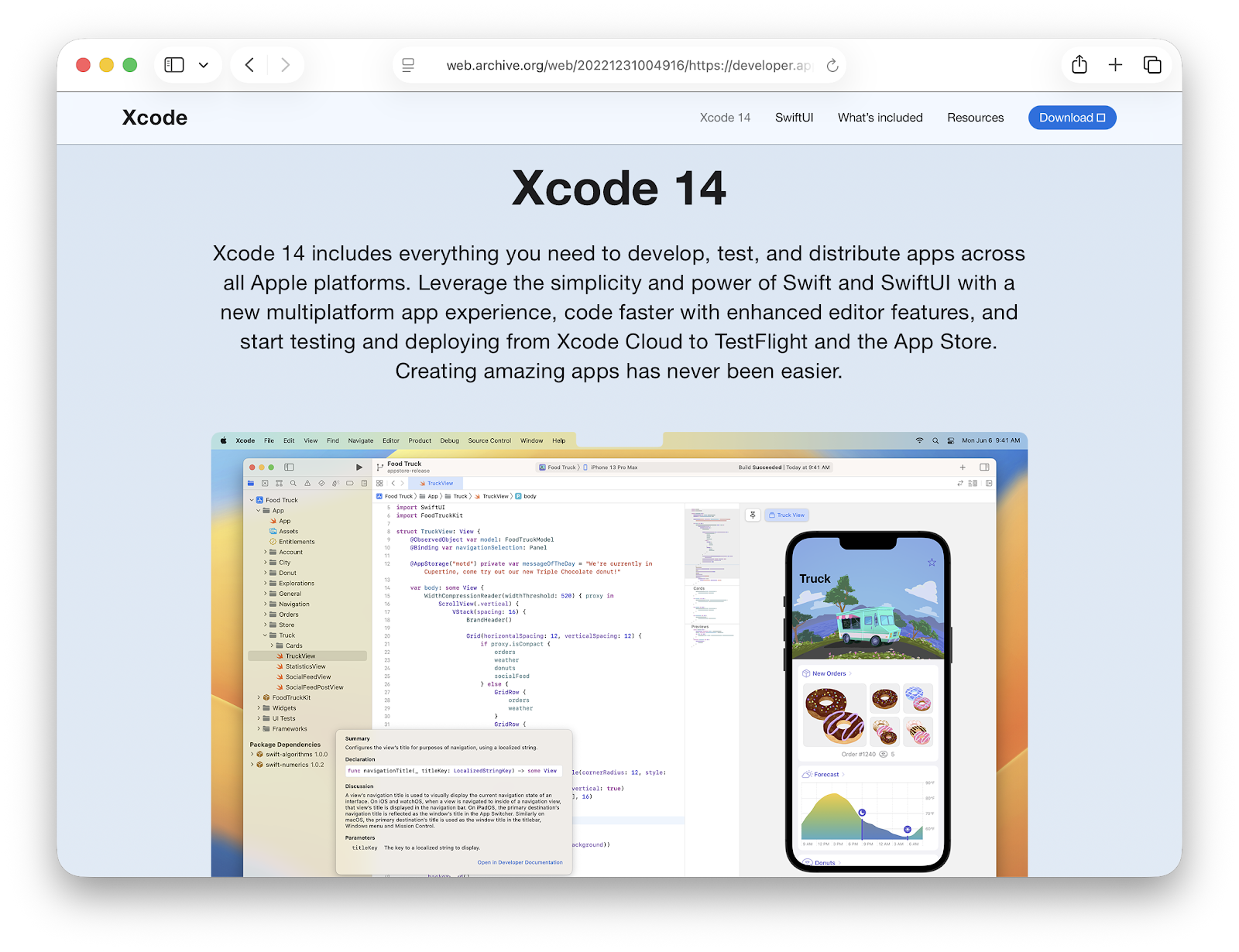
Version: Xcode 14.2
OS Requirement: macOS 12.5 or later
Download link:
Release date: 13 Dec 2022
SDK List:
- macOS 13.1 (22C55)
- iOS 16.2 (20C52)
- watchOS 9.1 (20S71)
- tvOS 16.1 (20K67)
Download Xcode 13 for macOS 11 (Big Sur)
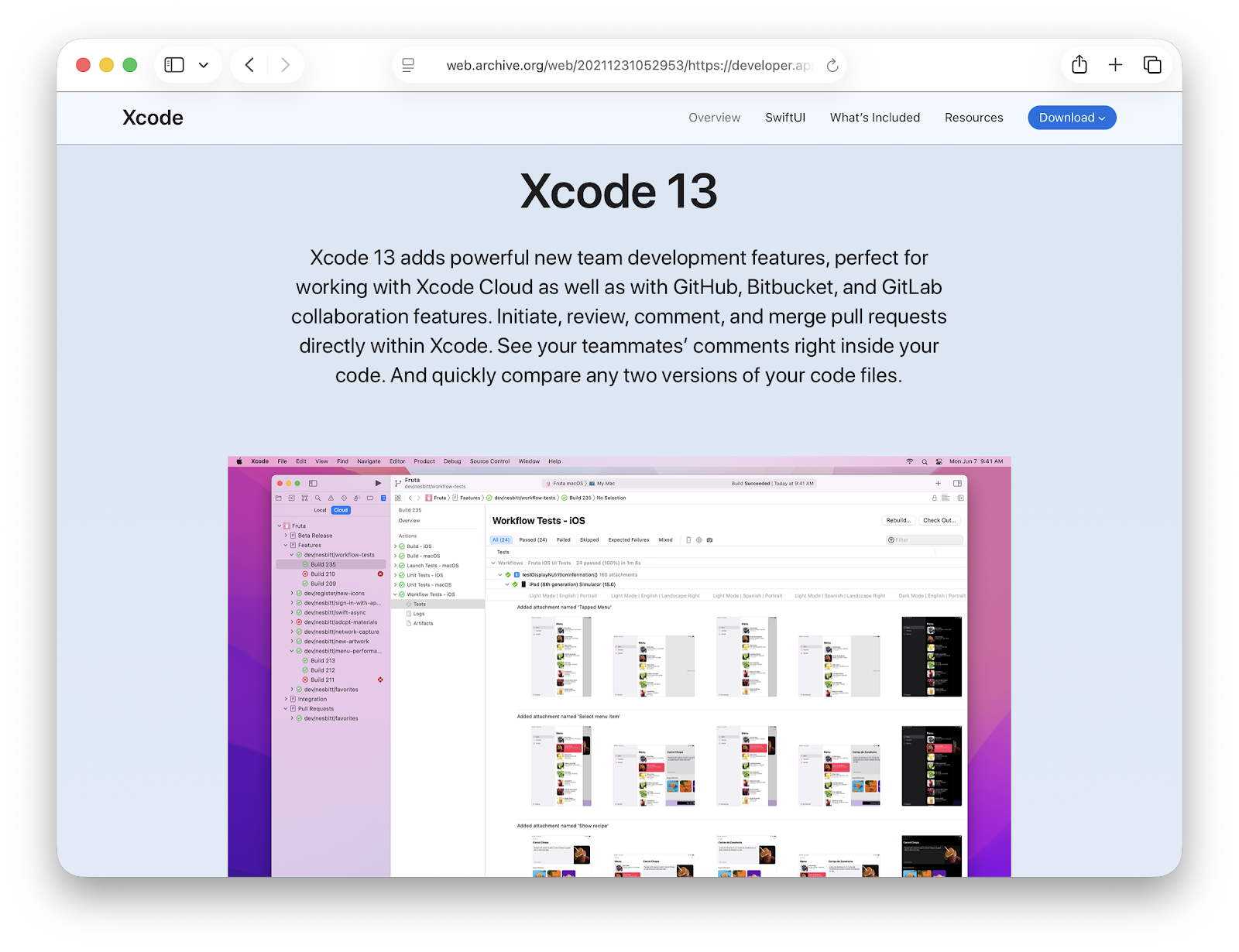
Version: Xcode 13.2.1
OS Requirement: macOS 11.3 or later
Download link:
Release Date: 17 Dec 2021
SDK List:
- macOS 12.1 (21C46)
- iOS 15.2 (19C51)
- watchOS 8.3 (19S51)
- tvOS 15.2 (19K50)
Download Xcode 12 for macOS 10.15 (Catalina)
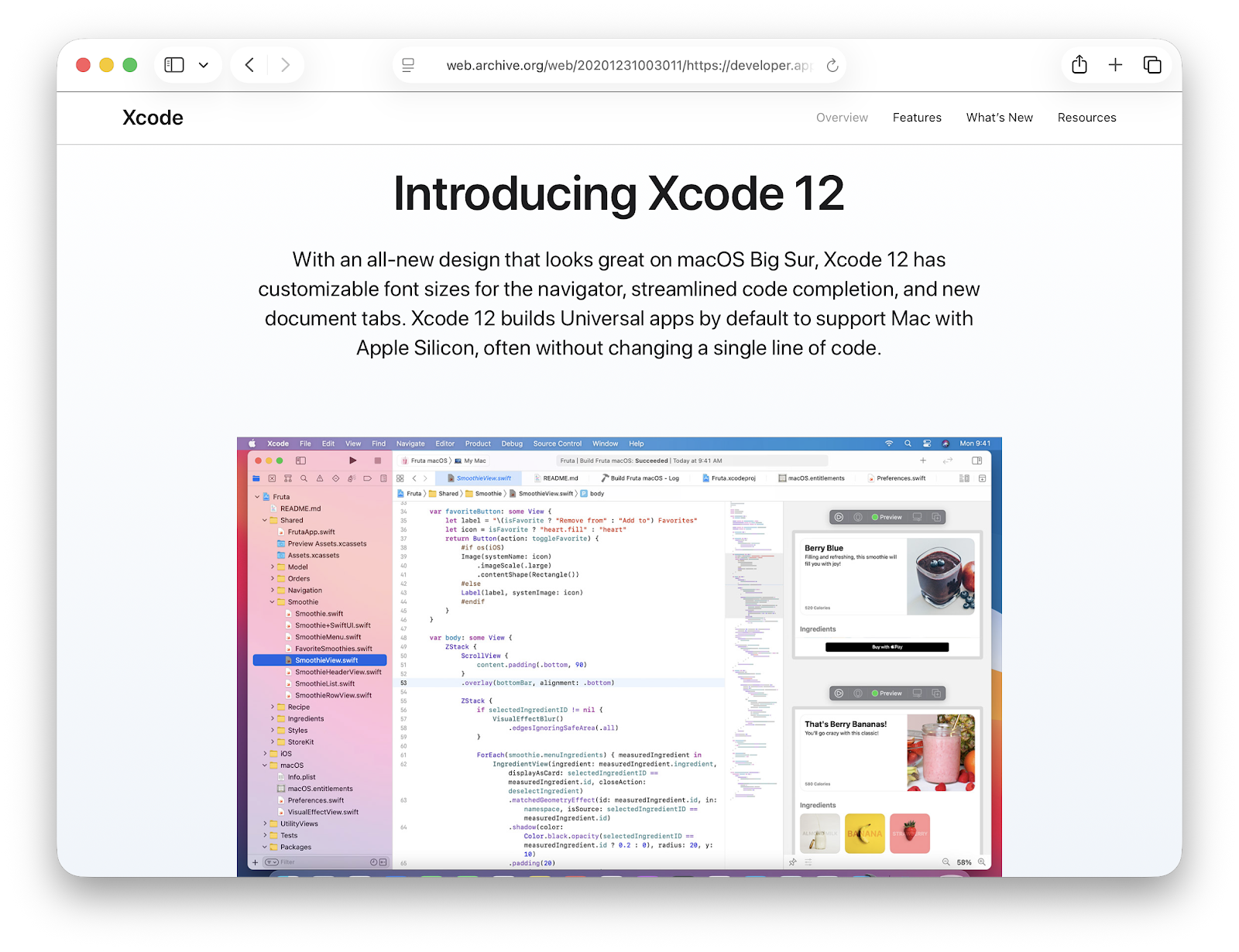
Version: Xcode 12.4
OS Requirement: macOS 10.15.4 or later
Download link:
Release Date: 26 Jan 2021
SDK List:
- macOS 11.1 (20C63)
- iOS 14.4 (18D46)
- watchOS 7.2 (18S561)
- tvOS 14.3 (18K559)
Download Xcode 11 for macOS 10.14 (Mojave)
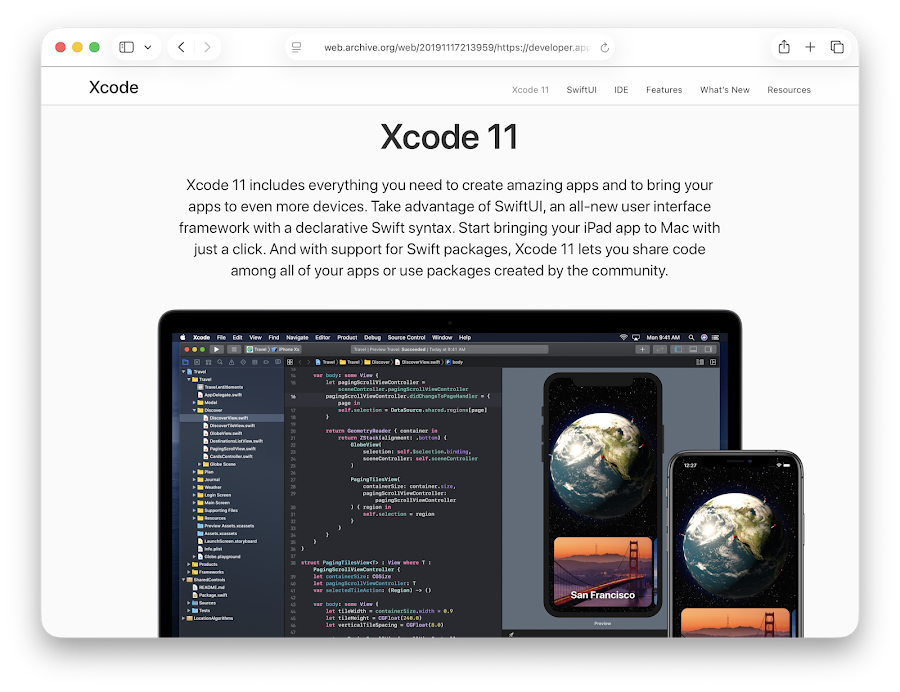
Version: Xcode 11.3.1
OS Requirement: macOS 10.14.4 or later
Download link:
Release Date: 13 Jan 2020
SDK List:
- macOS 10.15.1 (19B90)
- iOS 13.2.2 (17B102)
- watchOS 6.1 (17S80)
- tvOS 13.2 (17K90)
Download Xcode 10 for macOS 10.13 (High Sierra)
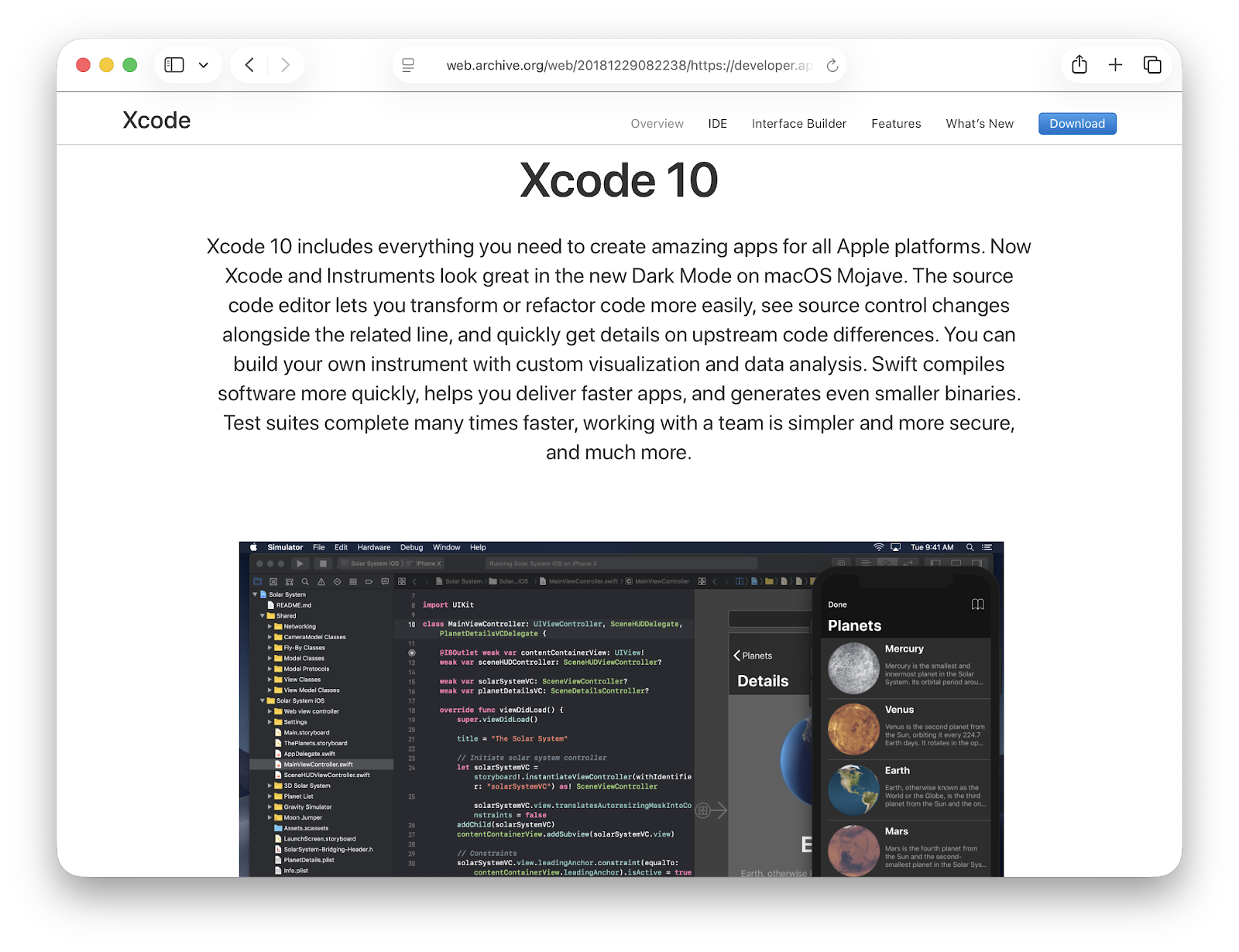
Version: Xcode 10.1
OS Requirement: macOS 10.13.6 or later
Download link:
Release Date: 30 Oct 2018
SDK List:
- macOS 10.14.1 (18B71)
- iOS 12.1 (16B91)
- watchOS 5.1 (16R591)
- tvOS 12.1 (16J602)
Download Xcode 9 for macOS 10.12 (Sierra)
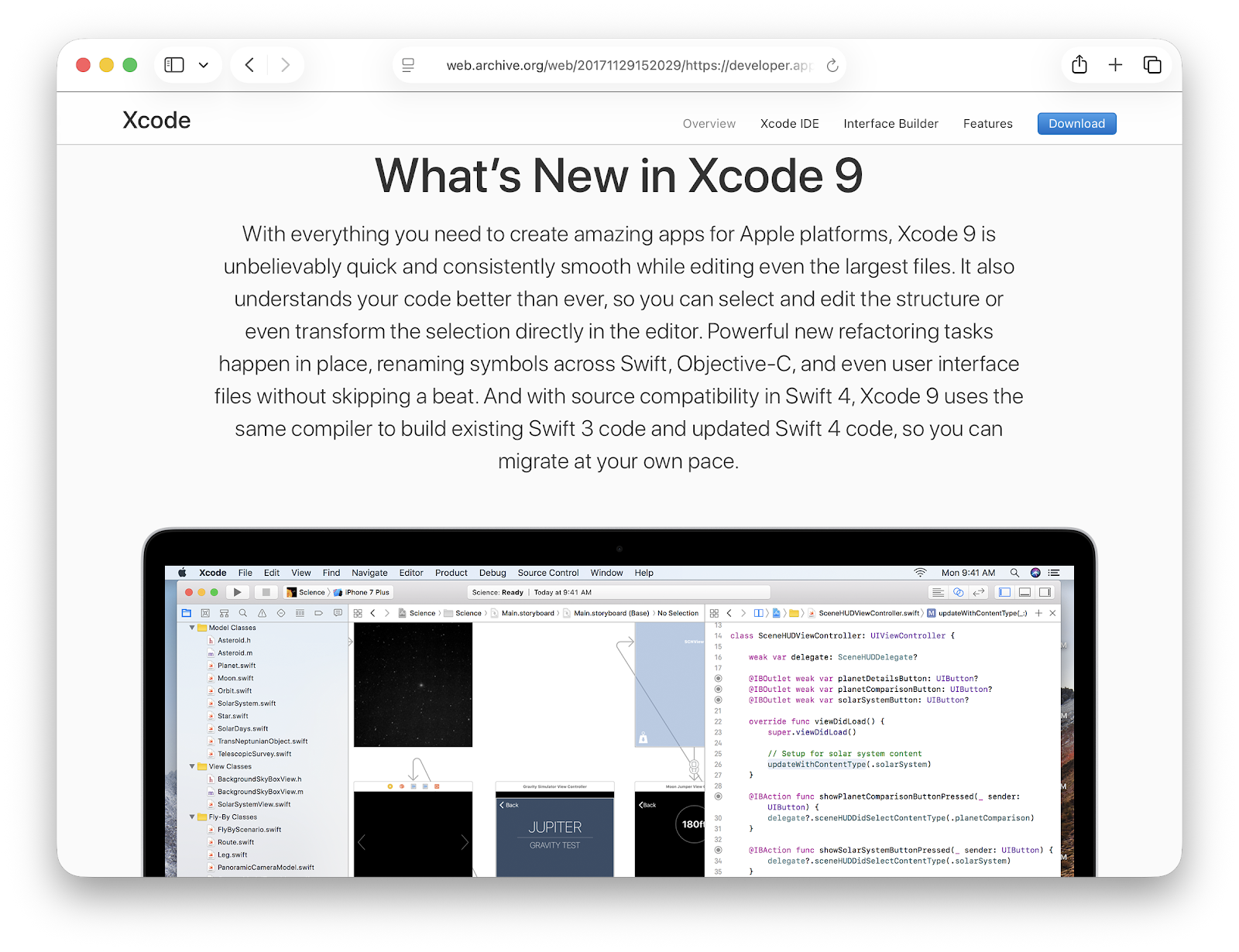
Version: Xcode 9.2
OS Requirement: macOS 10.12.6 or later
Download link:
Release Date: 4 Dec 2017
SDK List:
- macOS 17C76
- iOS 15C107
- watchOS 15S100
- tvOS 15K104
Download Xcode 8 for Mac OS X 10.11 (El Capitan)
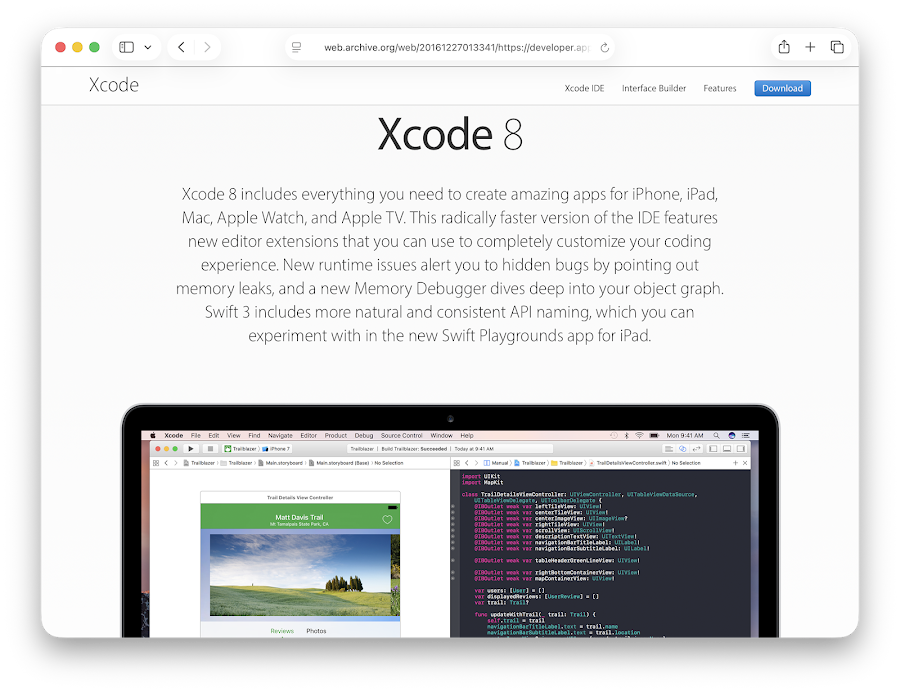
Version: Xcode 8.2.1
OS Requirement: macOS 10.11.5 or later
Download link:
Release Date: 19 Dec 2016
SDK List:
- macOS 16C58
- iOS 14C89
- watchOS 14S471a
- tvOS 14U591
Download Xcode 7 for Mac OS X 10.10 (Yosemite)
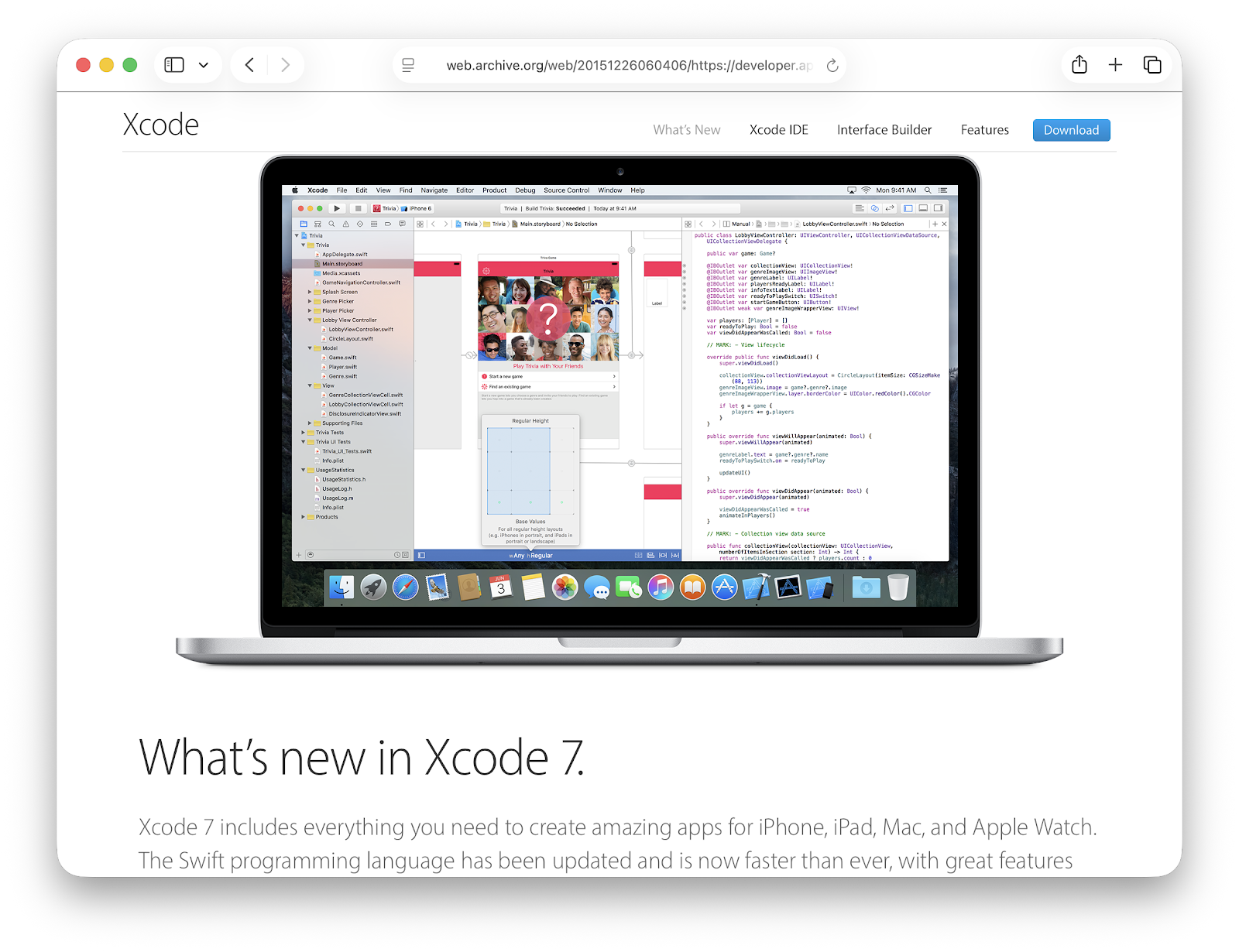
Version: Xcode 7.2.1
OS Requirement: macOS 10.10.5 or later
Download link:
Release Date: 2 Feb 2016
SDK List:
- macOS 15C43
- iOS 13C75
- watchOS 13S660
- tvOS 13U79
Download Xcode 6 for Mac OS X 10.9 (Mavericks)
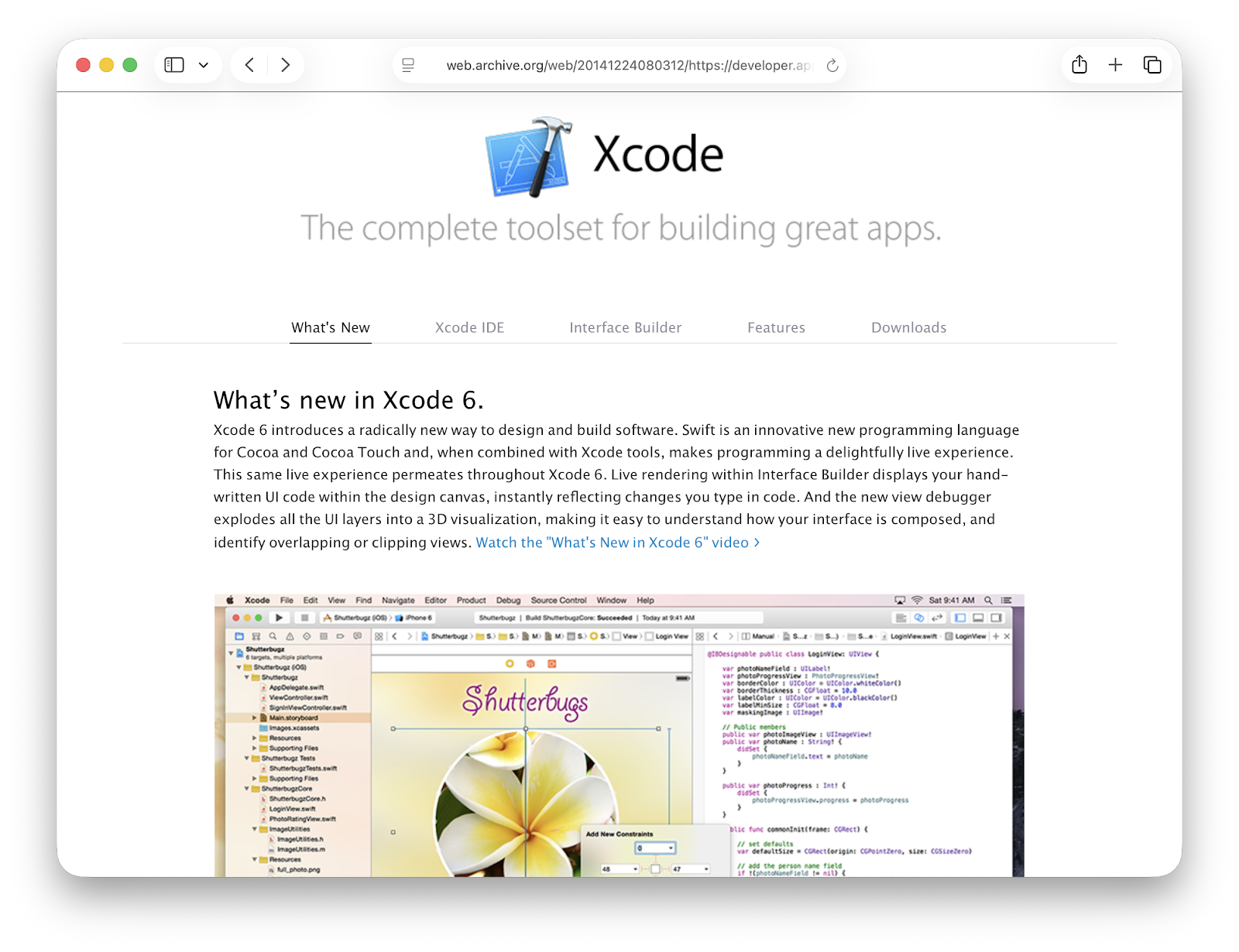
Version: Xcode 6.2
OS Requirement: macOS 10.9.4 or later
Download link:
Release Date: 9 Mar 2015
SDK List:
- macOS 13F26
- macOS 14A383
- iOS 12D508
Download Xcode 5 for Mac OS X 10.8 (Mountain Lion)
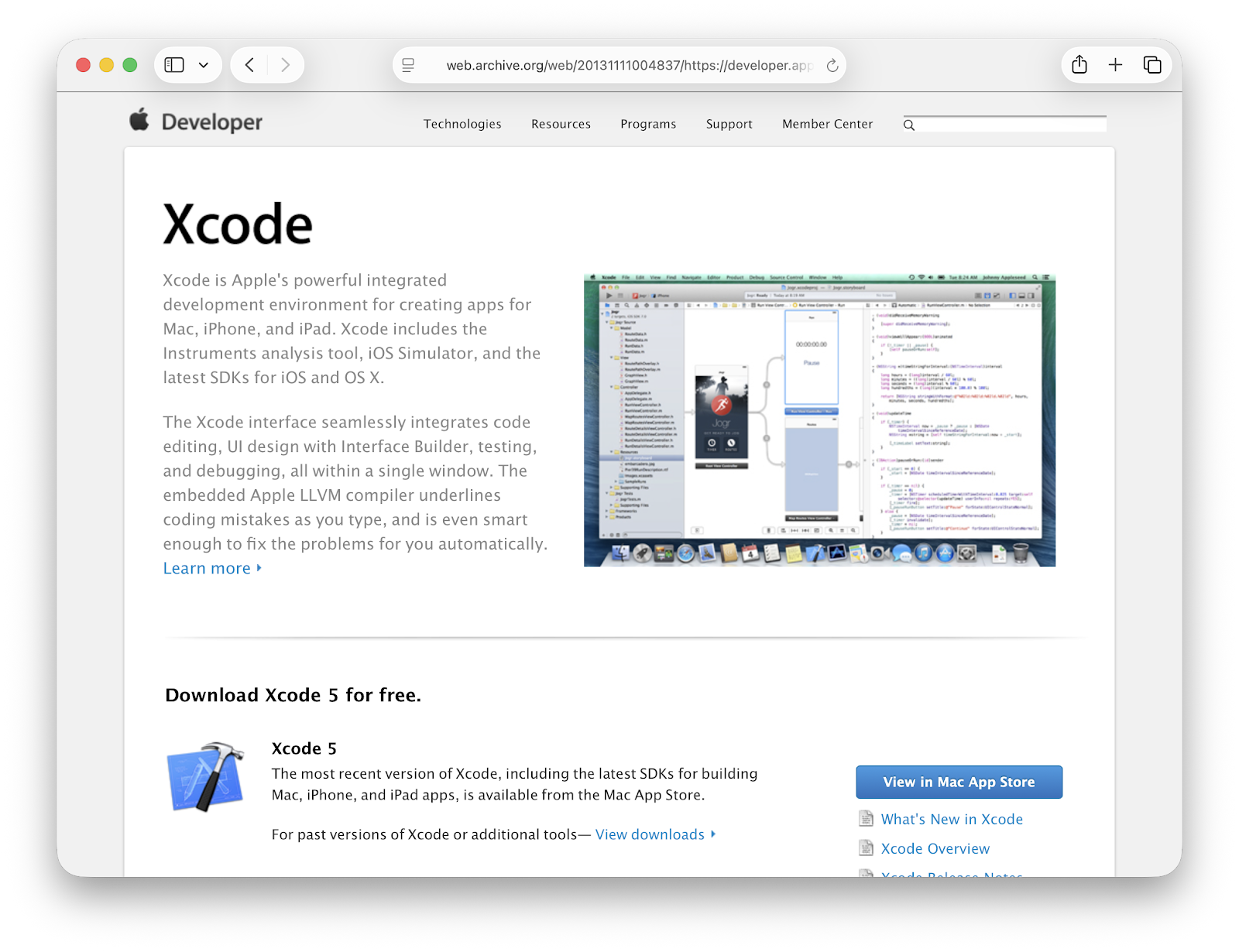
Version: Xcode 5.1.1
OS Requirement: macOS 10.8+ or later
Download link:
Release Date: 10 Apr 2014
Download Xcode 4 for Mac OS X 10.7 (Lion)
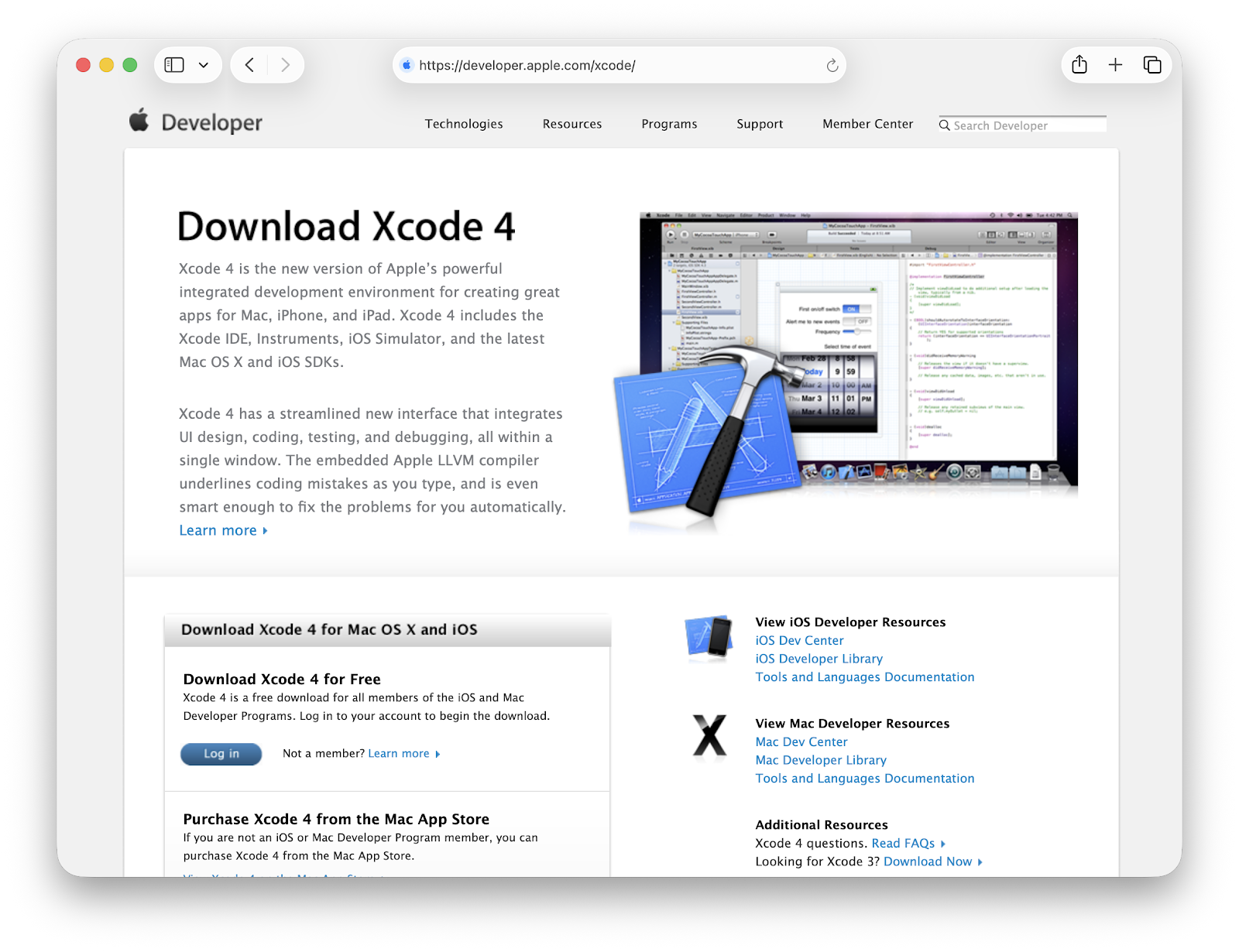
Version: Xcode 4.6.3
OS Requirement: macOS 10.7+ or later
Download link:
Release Date: 12 Jun 2013
Download Xcode 4 for Mac OS X 10.6 (Snow Leopard)
Version: Xcode 4.2
OS Requirement: macOS 10.6.8+ or later
Download link:
Release Date: 12 Oct 2011
Download Xcode 3 for Mac OS X 10.5 (Leopard)
Version: Xcode 3.1.4
OS Requirement: macOS 10.5.7+ or later
Download link:
Release Date: 9 Jul 2009
Download Xcode 2 for Mac OS X 10.4 (Tiger)
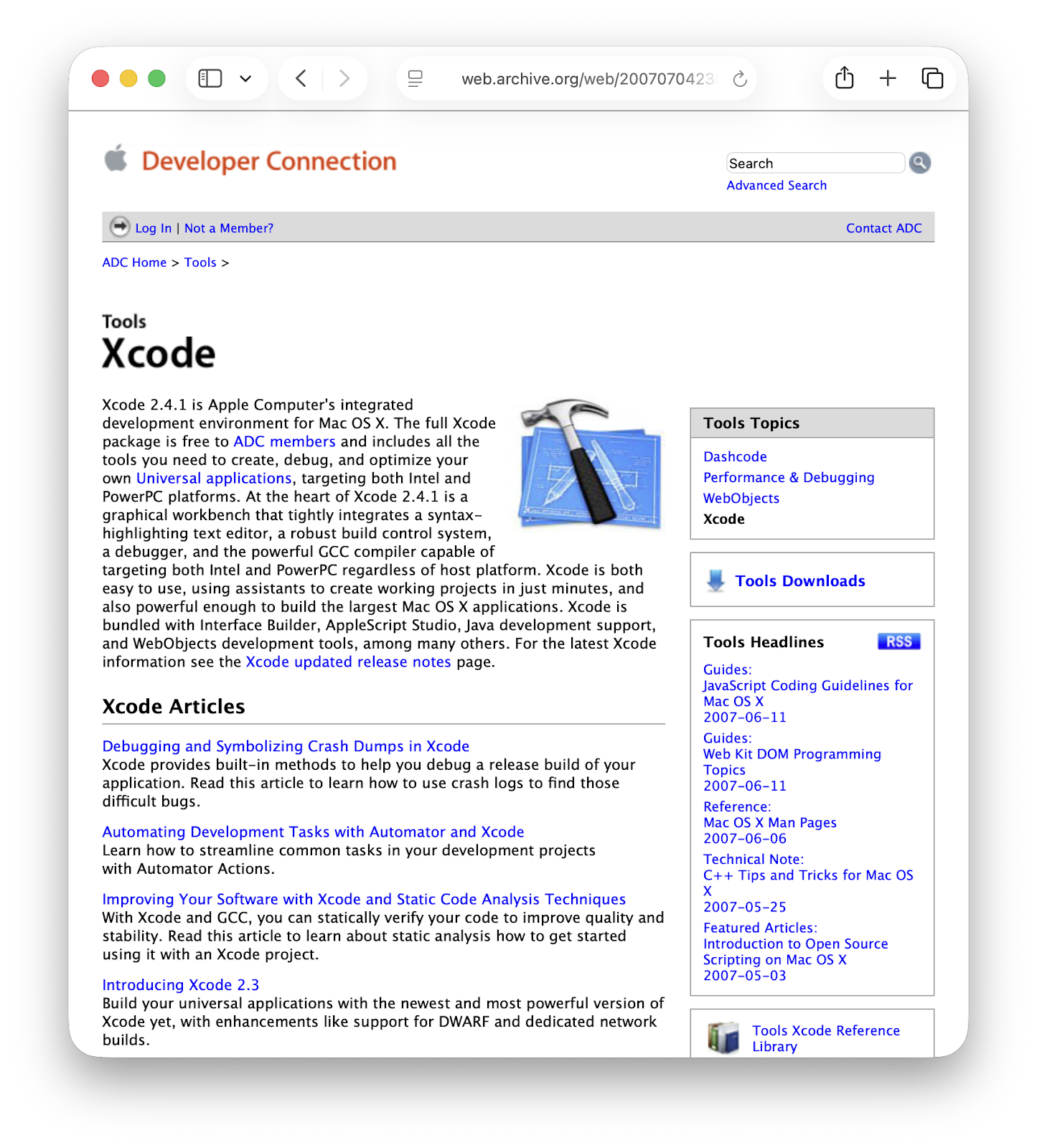
Version: Xcode 2.5
OS Requirement: macOS 10.4+ or later
Download link:
Release Date: 29 Oct 2007
Wayback Machine URL:
https://web.archive.org/web/20070704235721/http://developer.apple.com/tools/xcode/index.html
Download Xcode Tools 1 for Mac OS X 10.3 (Panther)
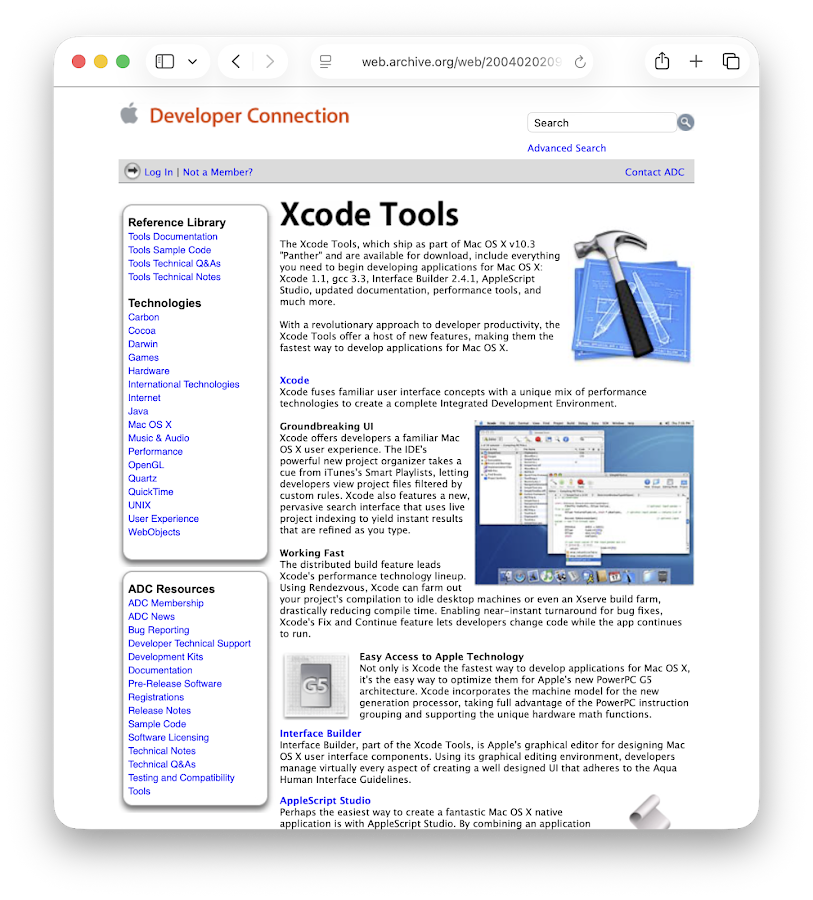
Version: Xcode Tools 1.5
OS Requirement: macOS 10.3+ or later
Download link:
Release Date: 4 Aug 2004
Wayback Machine URL:
https://web.archive.org/web/20040202094815/http://developer.apple.com/tools/macosxtools.html
Conclusion
As usual, if you have any questions or a better method, leave a comment below. Thanks for reading, and see you next time!
References
Disclaimer
This website is a privately owned independent resource blog. This site is not affiliated with, authorized, endorsed, or sponsored by Apple Inc. All product names, logos, and brands are property of their respective owners.
The links provided on this page are direct deep-links to Apple's official, public download servers. We do not host, re-upload, or modify any software files on this server. Users are downloading the official, unaltered binaries directly from Apple.