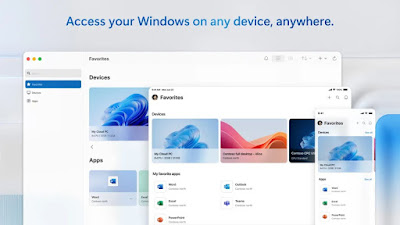
If you’re using an older version of macOS and want to access a Windows PC using the Microsoft Windows App, you may encounter compatibility issues.
But don’t worry—I’ve compiled a list of the final compatible versions of the Microsoft Windows App for older systems.
You can install it either manually or by using the Homebrew package manager.
You can use the classic Microsoft Remote Desktop app for older versions of macOS.
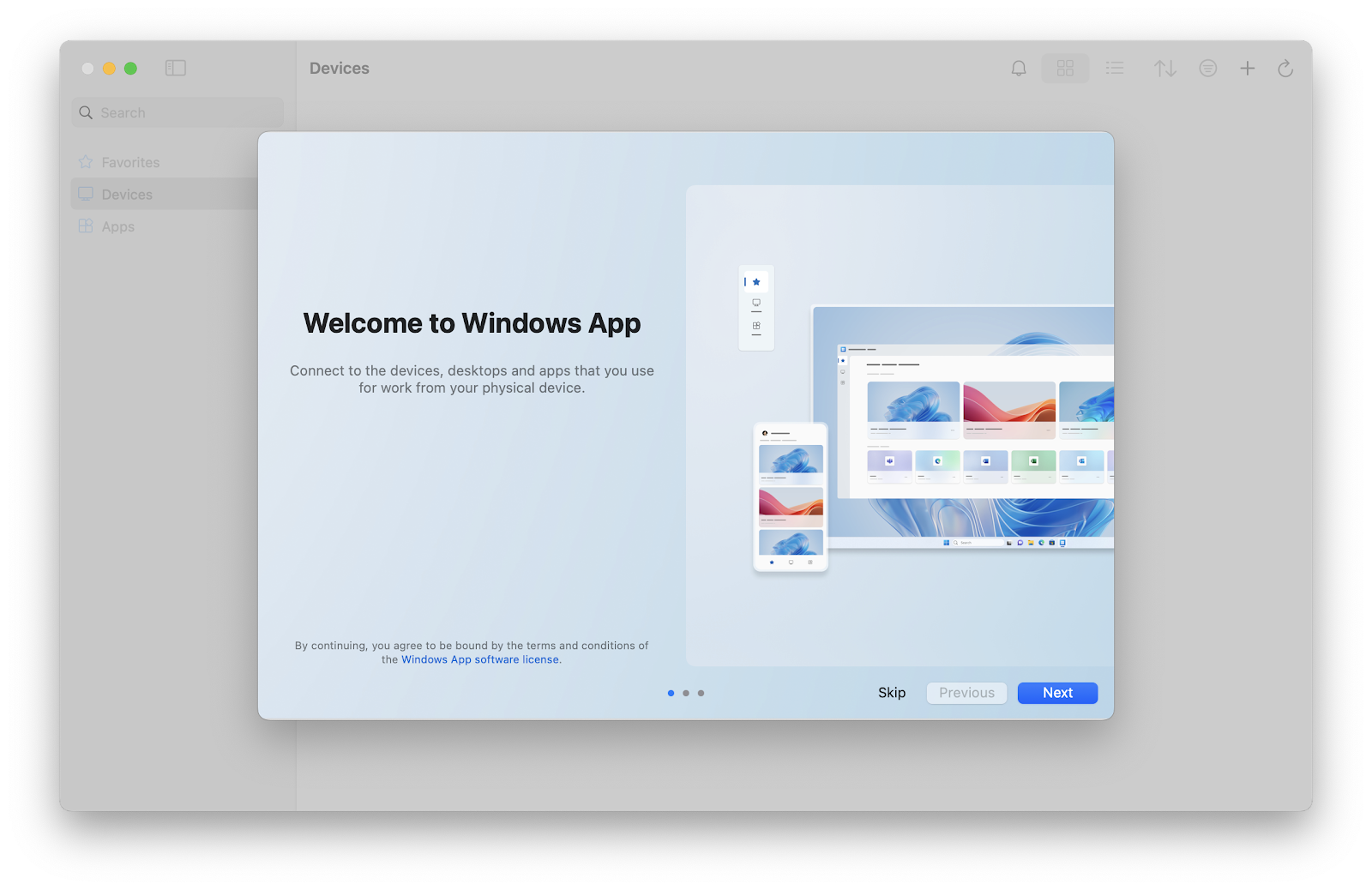
Windows App for macOS Download Links
If you’re using the latest version of macOS, I recommend to download Windows App directly from Apple App Store.
But, if you prefer direct download (maybe you’re a system administrator managing multiple Macs), simply download and install the version that matches your macOS release from the links below.
Looking for specific version of Windows App for Mac? Take a look at the All Windows App for Mac download page
These files are hosted directly by Microsoft under the domain officecdn.microsoft.com, which is a CDN owned by Microsoft. I don’t host these files myself, nor are they from random third-party sources, so they should be safe to use.
📦 Download Microsoft Windows App (Latest) for macOS 27 Golden Gate
📦 Download Microsoft Windows App (Latest) for macOS 26 Tahoe
📦 Download Microsoft Windows App (Latest) for macOS 15 Sequoia
📦 Download Microsoft Windows App (Latest) for macOS 14 Sonoma
📦 Download Microsoft Windows App v11.3.3 for macOS 13 Ventura
SHA-256 Checksum
2cd505c3b0b042477276dd8beb48bd0162aaaab5b3aaab1c6954f219a2a74ec5 Windows_App_11.3.3_installer.pkg📦 Download Microsoft Windows App v11.2.0 for macOS 12 Monterey
SHA-256 Checksum
e2a3eafaffc9d6bc5ddc3a79ddde71f819ba21e9e9b8b6269ec05af4ffd80bb9 Windows_App_11.2.0_installer.pkg
Homebrew Install Windows App
If you prefer not to install the app manually, I’ve also created Homebrew formulae you can use. First, trust and tap the Homebrew mirrors repository I maintain:
brew trust junian/homebrew-ms-apps
brew tap junian/homebrew-ms-apps
Then choose the appropriate formula based on your macOS version.
macOS 14 (Sonoma) or later
If you’re using the latest supported macOS versions, which is right now is Sonoma or later, use the official windows-app Homebrew cask formula.
brew install windows-appYou’ll get latest version available.
macOS 13 (Ventura) or older
If you’re using macOS 13 / macOS Ventura or older version (down to macOS 12 / macOS Monterey), use the Homebrew cask formula I maintain. This Homebrew cask formula will check your macOS version and download the latest compatible version automatically.
brew install junian/mirrors/windows-app-for-macConclusion
As usual, if you have any questions or better methods, feel free to leave a comment below. Thanks for reading, and see you next time!
References
Disclaimer
This website is a privately owned independent resource blog. This site is not affiliated with, authorized, endorsed, or sponsored by Microsoft Corporation. All product names, logos, and brands are property of their respective owners.
The links provided on this page are direct deep-links to Microsoft's official, public download servers. We do not host, re-upload, or modify any software files on this server. Users are downloading the official, unaltered binaries directly from Microsoft.