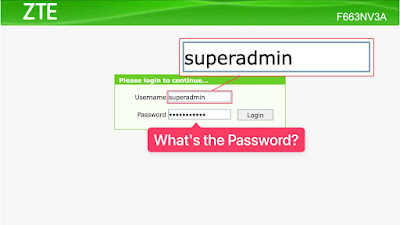
Recently, my relative asked me to do some configuration for their newly installed internet router.
The ISP didn’t give them any information about the username and password of the admin dashboard of the router. There was no package or document or anything given.
I was too lazy to climb a ladder and inspect the installed router, so I figured why not just guess it.
So I connected my MacBook through their Wi-Fi network and opened 192.168.1.1, which is very common for the default local IP address of the main router. With my lucky guess, I was able to access the login page of the router.
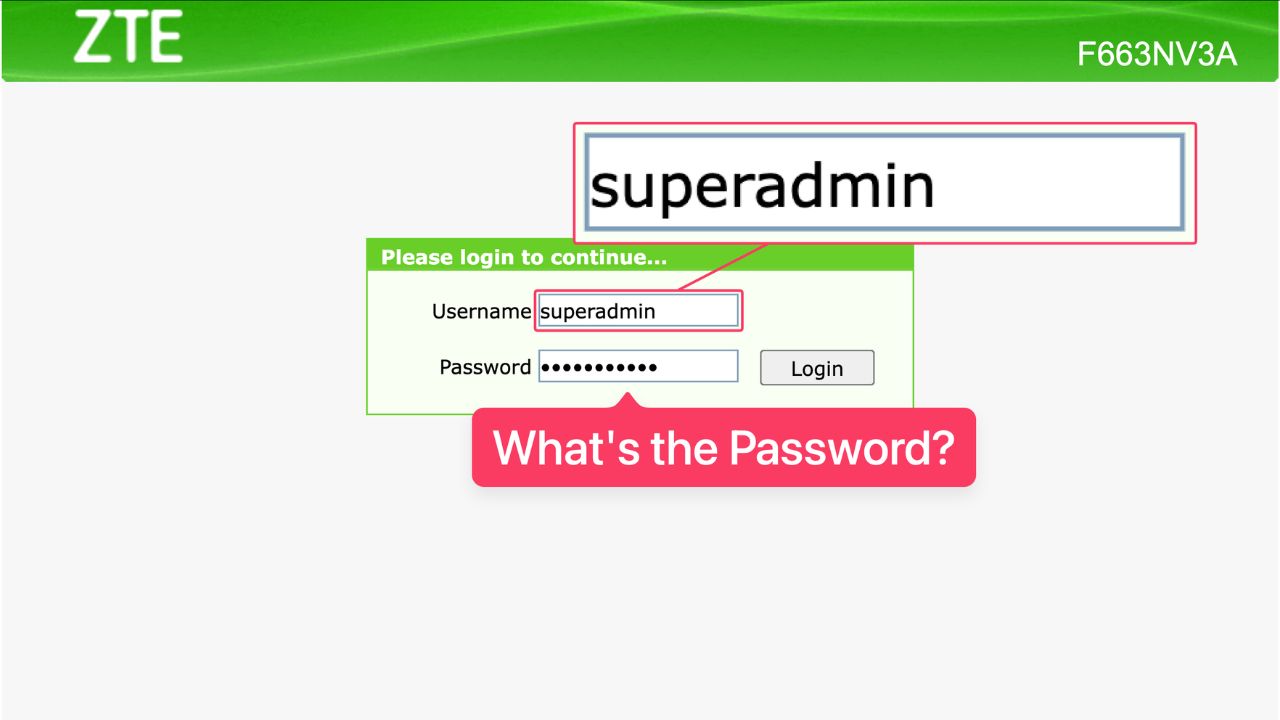
Based on the page above, I figured out that the ZTE model was F663NV3A.
After a simple web search, I found out the administrator credential for this ZTE F663NV3A router works with the following credential:
- Username:
superadmin - Password:
suportadmin
That’s it! Now I can access the Web UI Dashboard as a super administrator.
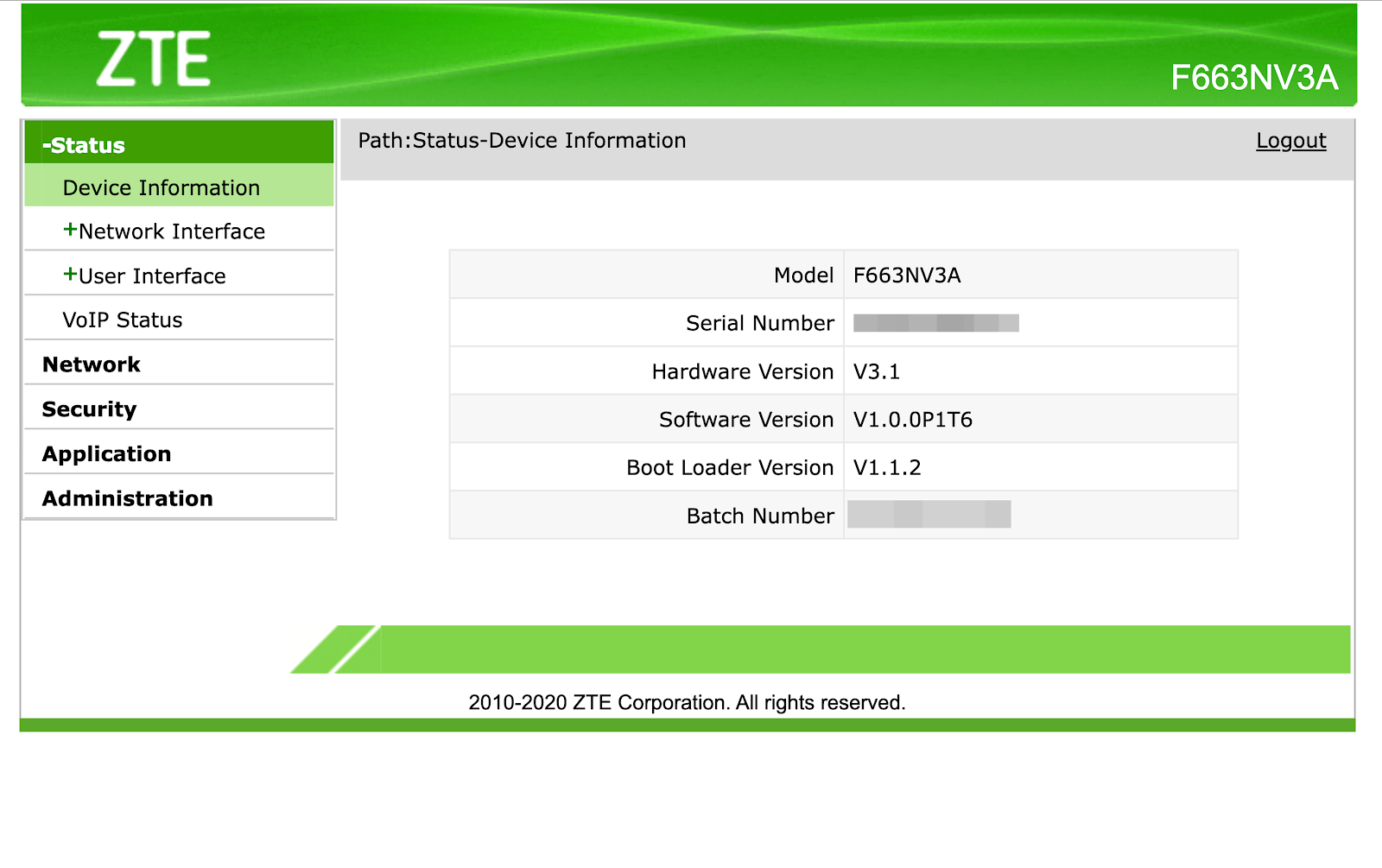
There are a lot of things you can configure using the admin web UI dashboard, but I won’t cover that here. Just make sure you know what you’re doing so it won’t break your entire network.
What If That Username and Password Doesn’t Work
It’s pretty normal for the same router or modem shipped with different admin username or password, even though it’s the same model.
When I was doing this, the first admin and password I found online also didn’t work immediately. I had to try two or three different combinations.
Worry not, when I was searching for it, I also took notes of all possible admin username and password pairs for ZTE GPON ONU modem or router.
In this section, I’ll divide it into sub-sections based on the ZTE model.
ZTE ONU F663NV3A / F623 / F450 / F460 / GM220 / GM219 / F477
There are like 5 possible username and password pairs I found for these ZTE models. I used the one from this list to access my ZTE router.
1
- username :
admin - password :
admin
2
- username :
superadmin - password :
suportadmin
3
- username :
superadmin - password :
superadmin
4
- username :
global - password:
oraglobalorabudal
5
- username :
superadmin - password :
ggclinkisthebest
ZTE ONU XPON GL-02 / ZTE ONU XPON VSOL V2801RGW
There are two possible username and password pairs for these models. Try one of these to access the admin dashboard.
1
- username :
admin - password :
stdONUi0i
2
- username :
admin - password :
stdONU101
ZTE ONU F670L
There are 4 possible username and password for this ZTE model. Try one of these to access the admin dashboard.
1
- username :
admin - password :
admin
2
- username:
superadmin - password:
suportadmin
3
- username:
admin - password:
Theworldinyourhand
4
- username:
admin - password:
@st3diaL
Final Thoughts
Thanks for reading my article here. Please note I can’t guarantee one of these username and password pairs will 100% work. Your ISP or technician could tamper with the default username and password. If you have a problem, better ask the technician or customer support.
If you know a different pair of username and password for ZTE routers, feel free to share in the comment section.
As usual, if you have any questions or a better method, leave a comment below. Thanks for reading, and see you next time!